
Updating your Windows with convenience and speed
Windows Media Creation Tool is a free utility designed to help users upgrade their Windows operating system, perform clean installations, or create bootable installation media. It is compatible with both Windows 10 and Windows 11, offering a convenient solution for upgrading or reinstalling Windows without needing third-party software.
Top Recommended Alternative

Windows Media Creation Tool allows you to easily update the operating system without lags or crashes. Its straightforward design and step-by-step guidance make it accessible for both novice users and IT professionals, providing a reliable way to maintain or refresh your system.
Update your Windows PC without any hassle
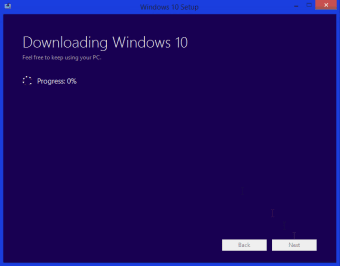
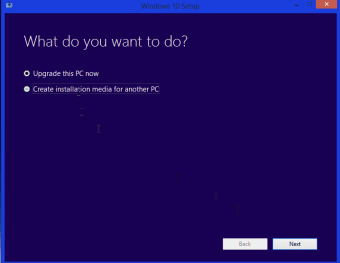
Windows Media Creation Tool allows users to either upgrade their current system to the latest version of Windows or create bootable USB drives and ISO files for clean installations. This makes it ideal for installing Windows on multiple computers, troubleshooting existing systems, or performing system recovery. The process is guided, with clear prompts and instructions, making the installation experience straightforward even for users who lack technical expertise.
Performance-wise, this installer is lightweight and fast, completing downloads and media creation efficiently depending on your internet speed and USB drive performance. Microsoft continuously updates the tool to accommodate the latest Windows updates, ensuring that installations are secure, stable, and fully functional. Its reliability has made it a trusted tool for millions of users worldwide, particularly those performing system upgrades or recovery operations.
The Creator Tool experience
This tool uses a minimalistic, user-friendly interface. Users simply download the tool, select their preferred options, and let the software handle the rest. Despite its simplicity, caution is required when choosing the target drive for installation media, as selecting the wrong drive can lead to data loss. The utility’s compatibility with USB drives and ISO formats makes it versatile for a variety of installation scenarios.
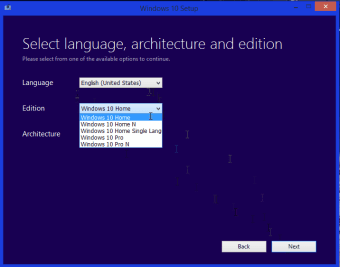
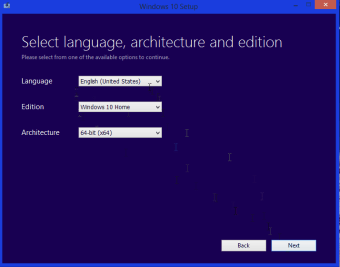
Additionally, it supports multiple languages and editions, allowing users to tailor installations to their specific needs. It also offers options for both 32-bit and 64-bit systems, ensuring broad compatibility across older and newer hardware. For IT professionals and casual users alike, the tool provides a dependable solution for maintaining up-to-date systems, streamlining upgrades, and preparing emergency recovery media without the complexities typically associated with OS installations.
Simple and reliable system updates
Windows Media Creation Tool provides a fast, convenient, and user-friendly solution for upgrading Windows or performing clean installations. Its guided interface, USB and ISO compatibility, and lightweight performance make it accessible for both novices and IT professionals. While it requires caution when selecting installation targets to avoid data loss, the tool’s reliability, continuous updates, and versatility make it a trusted choice for maintaining or refreshing Windows systems.

.png)